 Hirari
Swipe down with three fingers.
The current tab closes.
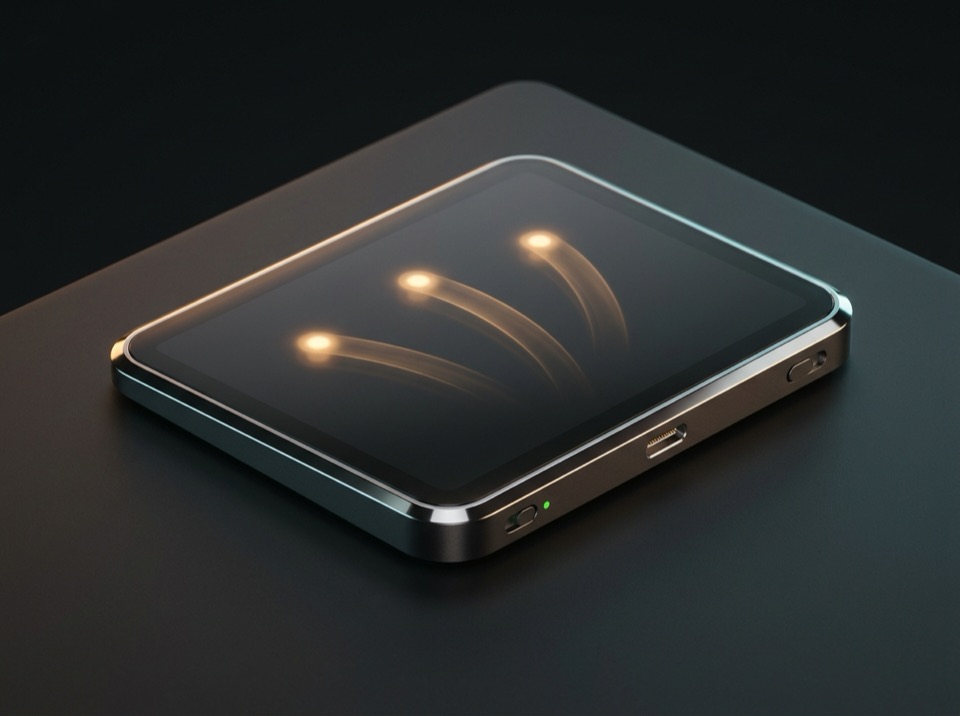
Hirari maps three-, four-, and five-finger trackpad swipes and taps to keyboard shortcuts and window actions. A 1.4 MB native binary that runs quietly in your menu bar.
Built natively in Swift. Runs quietly in the menu bar with negligible CPU and memory use.
Requires only Accessibility to send shortcuts and manage windows. No screen recording needed.
No usage analytics or tracking leaves your Mac. Connects only when checking for updates.
Stored in ~/.config/hirari/config.json for easy version control and syncing across Macs.
Everyday actions,
at your fingertips.
Map three-, four-, and five-finger swipes, taps, and double taps to keyboard shortcuts, window controls, media playback, or app launches.
Define global bindings for all apps, and override specific gestures per app—like switching tabs with left/right swipes only in Chrome.
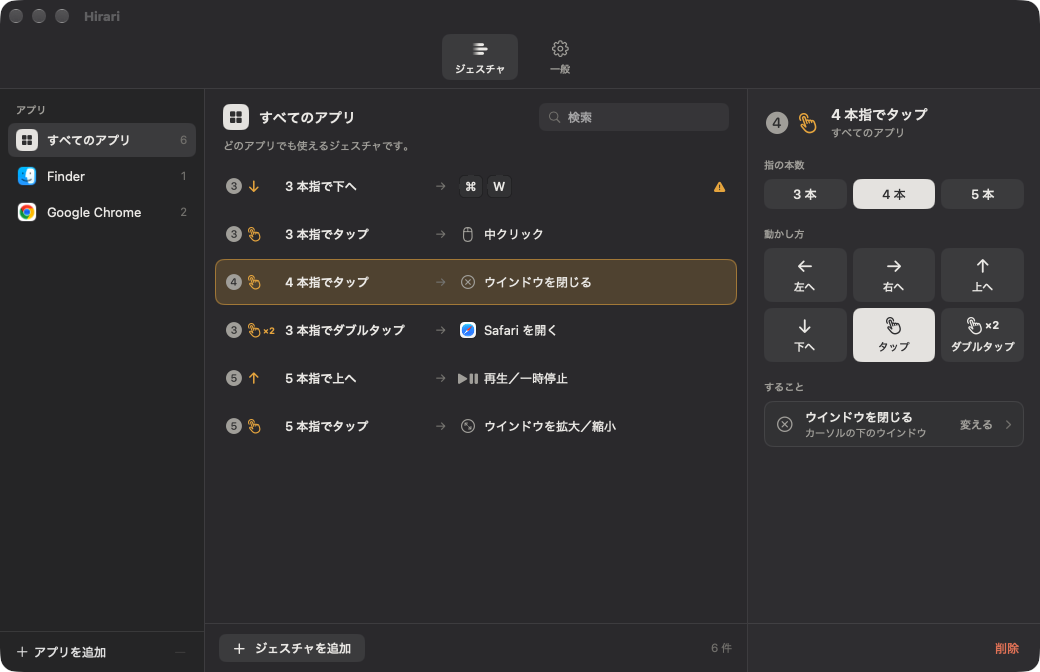
Clear, three-column configuration.
Pick a target app on the left, a gesture in the middle, and an action on the right. Every change takes effect immediately. (The in-app UI is currently in Japanese.)
Built-in CLI and
AI agent skill.
Hirari.app bundles the hirari CLI and an agent skill inside the app bundle. Run hirari skill install once, and agents like Claude Code can configure gestures and run diagnostics in plain language.
$ /Applications/Hirari.app/Contents/Helpers/hirari skill install
✓ Installed ~/.claude/skills/hirari/SKILL.md

$ hirari set global swipe.down 3 \
  '{"type":"key","key":"w","modifiers":"cmd"}'
$ hirari doctor
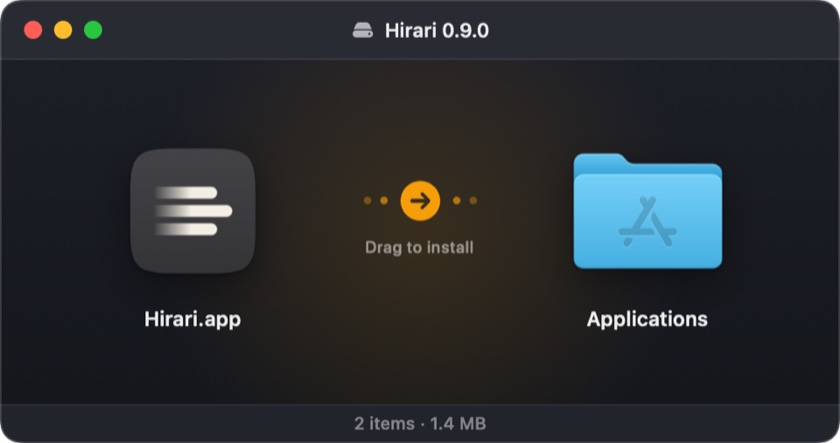
✓ Accessibility: granted / macOS gesture conflicts: 0Drag, drop, and go.
Open Hirari-0.9.0.dmg and drag Hirari.app into your Applications folder.
Frequently asked questions
Hirari is free during the public beta. We plan to offer the full release as a one-time purchase rather than a subscription.
For bug reports or feedback, email support@studio-suama.com or visit our Support page.
Can I use Hirari alongside BetterTouchTool or other gesture apps?
Yes, but assigning the same gesture in two apps will trigger both actions. Disable duplicate bindings in one of them. Overlaps with built-in macOS trackpad settings are flagged in the settings window and by hirari doctor.
I enabled Accessibility, but it still says not permitted.
In System Settings > Privacy & Security > Accessibility, toggle Hirari off and back on, or remove it with the minus button and re-add it. You can also run /Applications/Hirari.app/Contents/Helpers/hirari doctor to diagnose permission issues.
What data does Hirari collect?
There is no in-app telemetry or analytics. Network requests happen only when checking for updates via Sparkle. See the Privacy Policy for details.
How do I uninstall Hirari?
Choose Quit from the menu bar icon, then move Hirari.app from Applications to the Trash. To remove your configuration as well, delete ~/.config/hirari.